My good friend Warren Ellis (well complete stranger, but I read his newsletter
so that is pretty the same thing) tweets pictures of where he is with the
weather info overlaid. I am sure he is using some sort of newfangled social
media filter to provide the info. I want something similar for the footnotes on
my fairly post, but social media stuff is no good for me, I need an API to use.
Now, as hard as I try I cannot find a weather service that will just spit some
data at me. I really want to do
curl weathersite.internet | jq...
and end up
with a nice summary for a location. The web is closing up and locking down,
which means an API key is required.
After putting this off for a while, this morning I remembered I have previously
registered for a weather service. A steaming cup of coffee later and I found
the
python bindings
to the excellent
forecast.io
already installed.
import forecastio

api_key = "yer_key_here_bampot"
lat = 57.168
lng = -2.1055

forecast = forecastio.load_forecast(api_key, lat, lng)

weather = forecast.daily().data[0]

temperatureMax = int(weather.apparentTemperatureMax)
temperatureMin = int(weather.apparentTemperatureMin)
summary = weather.summary

print("{}°C {}".format(temperatureMax, summary))
Gives a nice
4°C Partly cloudy throughout the day.
There isn't anything to this, If I could find an API that didn't require a key
I probably wouldn't even use python. But madness makes more madness, so here we
are.
Reading:
Cibola Burn, Virtual Light
Location:
57.168, -2.1055
Weather:
4°C Partly cloudy throughout the day.
Warren Ellis's
morning.computer
was the main driver for me to start
blogging everyday. I like to think I am being influenced by someone super
productive, rather than blantently copying him.
I have felt terrible all week and haven't had energy to really do anything.
Having an image to post everyday turned out to be an excellent idea. I do need
to go through the archives to top up the reserve of images at some point.
Reading:
Cibola Burn
Reading:
Cibola Burn, Excession
Location:
57.168, -2.1055
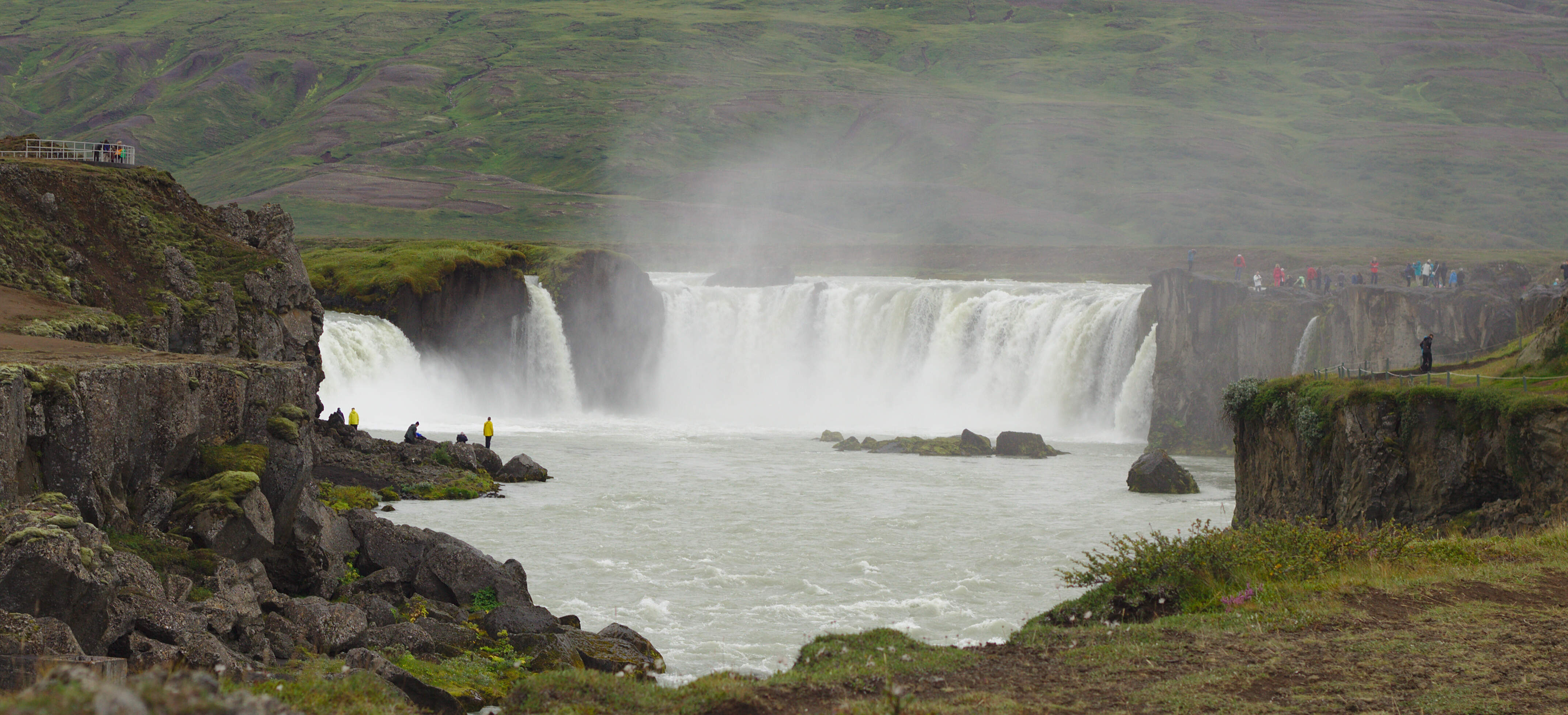
This plane
sit in a
glacial outwash plain
in the South of Iceland.
The area around it is barren and devoid of life. We arrived in a fog bank,
there was nothing to see in any direction save from the well worn path out to
the wreckage.
Walking out was like being in a dream, we could see through the haze the bright
clothing of other visitors to the plane.

The fog lifted for our return journey, the landscape didn't improve. The area
is almost completely flat, with small undulating banks of aggregate. The entire
place looked life the surface of mars renderer in black.
Reading:
Cibola Burn, Excession
Location:
57.168, -2.1055
I use
taskwarrior
to manage tasks, well sort of. Every so often I fill it
with highish level tasks and leave it completely forgotten for a few weeks. On
a similar frequency(though out of phase) I look through my task list and prune
out the things I have done. This isn't great, I have had a lot of trouble
refining down tasks, figuring out what to do, then doing it.
Last night I thought I would try to start generating a set of tasks to do
TOMORROW
, then when I got to work the next today I could ask task warrior
what it I was to do that day. Taskwarrior makes that sort of easy with virtual
tags, the virtual tags can only be generated by due dates.
$ task add due:tomorrow proj:life get milk
Created task 1
Will generate a task, due tomorrow today, but come tomorrow it will be tagged
with today. Makes sense right?. We can then easily search for all tasks
matching the
TODAY
tag:
$ task +TODAY list

ID Age   P Project  Due        Description        Urg
1  1m    L life     2016-11-30 get milk            1

1 task
The taskwarriors output looks awesome on the command line, but it doesn't come
out my thermal printer very well. Taskwarrior will output json with the
export
flag, json isn't very fun on the command line. Thankfully there is the
jq
tool.
jq
claims to be like sed for json, explains it's near
inscrutability.
With these bits we can generate a snappy list of things we have to do
today:
figlet -f small TODAY:;cat tmp.json| jq -r '''.[] | .project,.description,""'''
Something like:
 _____ ___  ___   ___   ___
|_   _/ _ \|   \ /_\ \ / (_)
  | || (_) | |) / _ \ V / _
  |_| \___/|___/_/ \_\_| (_)

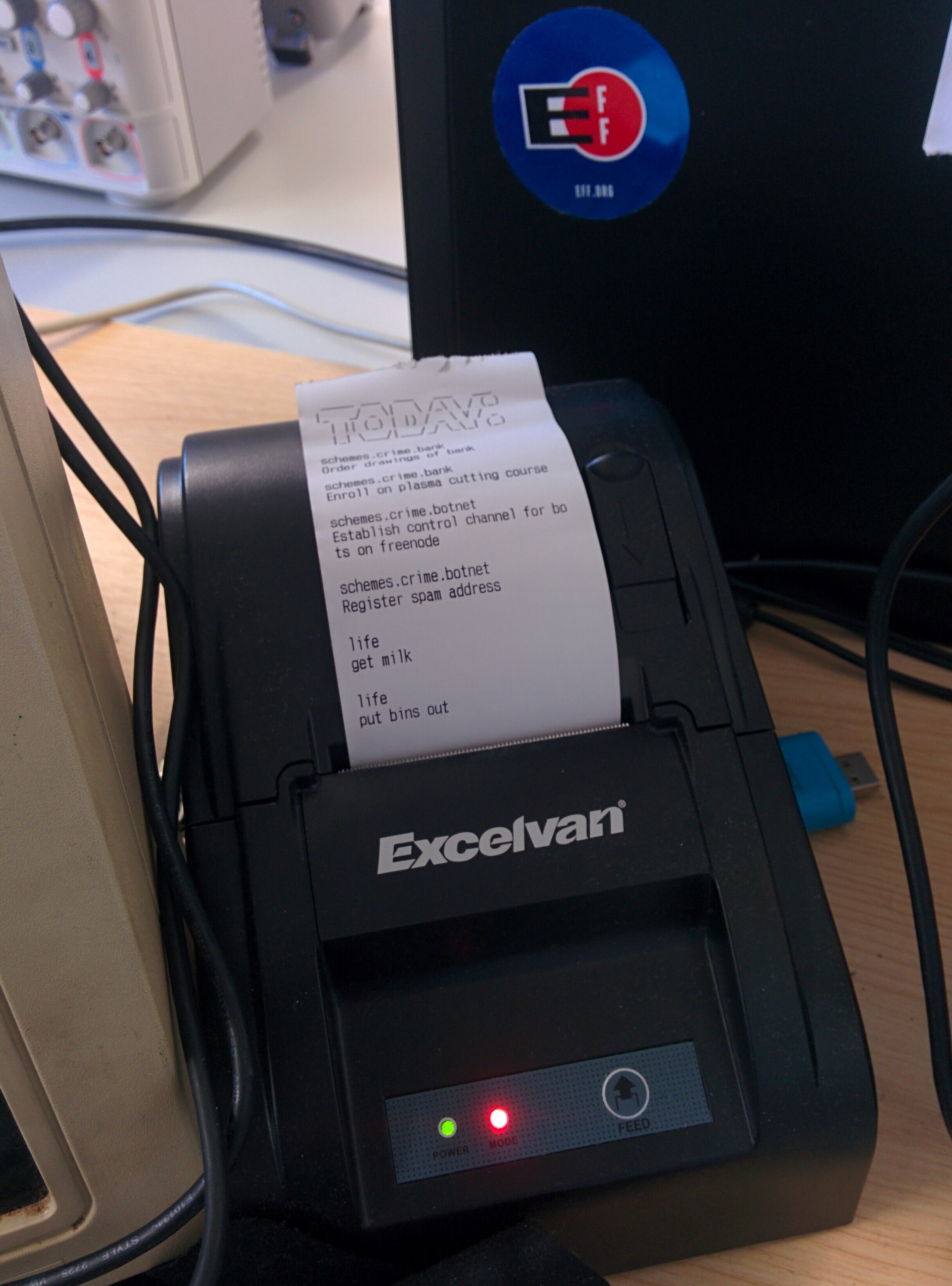
schemes.crime.bank
Order drawings of bank

schemes.crime.bank
Enroll on plasma cutting course

schemes.crime.botnet
Establish control channel for bots on freenode

schemes.crime.botnet
Register spam address

life
get milk

life
put bins out
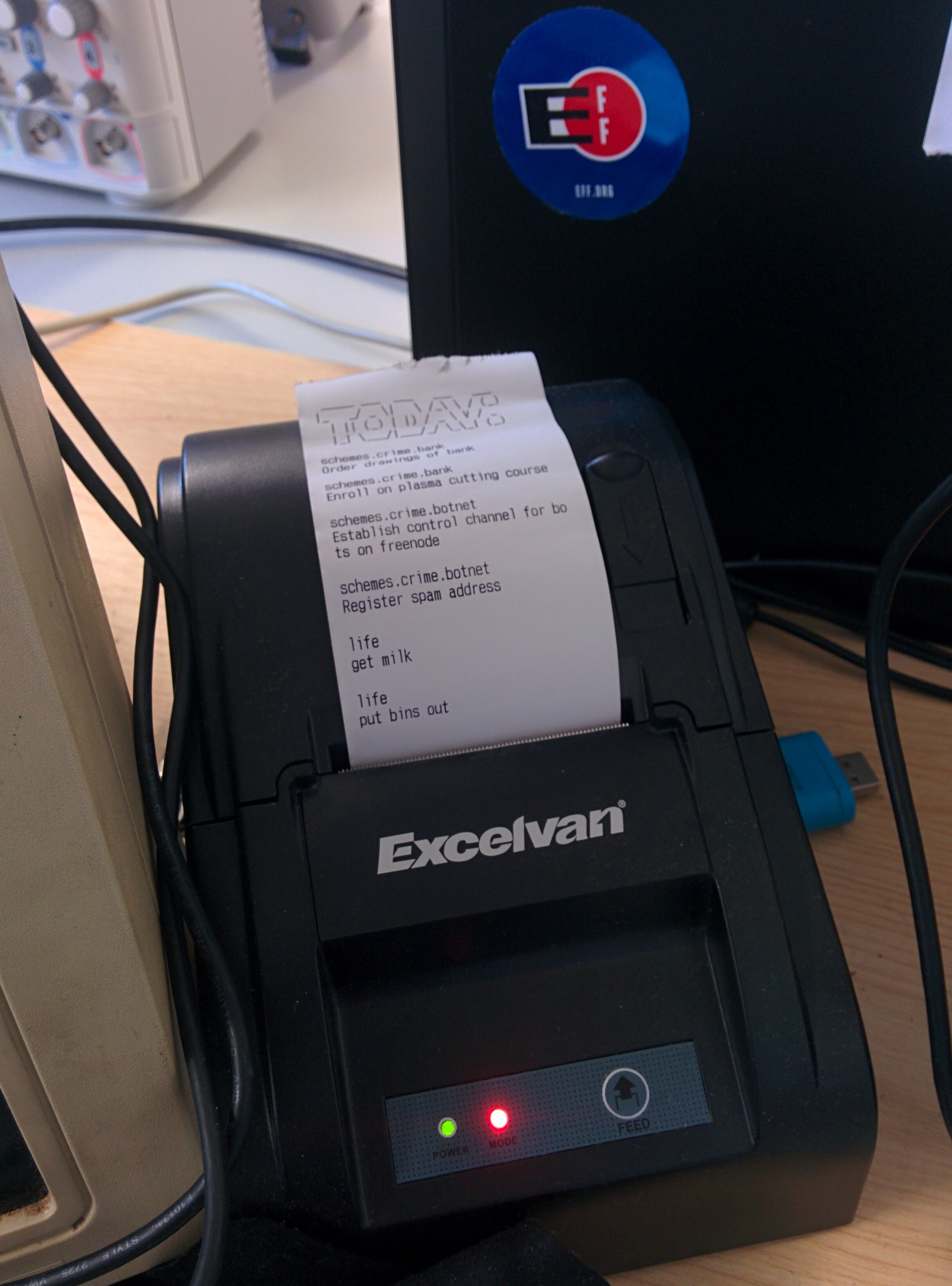
Which is really easy to spit out to my thermal printer:
I wonder if there is some way to get xscreensaver to run a script when I log
in? I could use that hook to tidy away undone tasks and do the print out on my
first log in of the day.
Reading:
Cibola Burn, Excession